
Talk to VERS
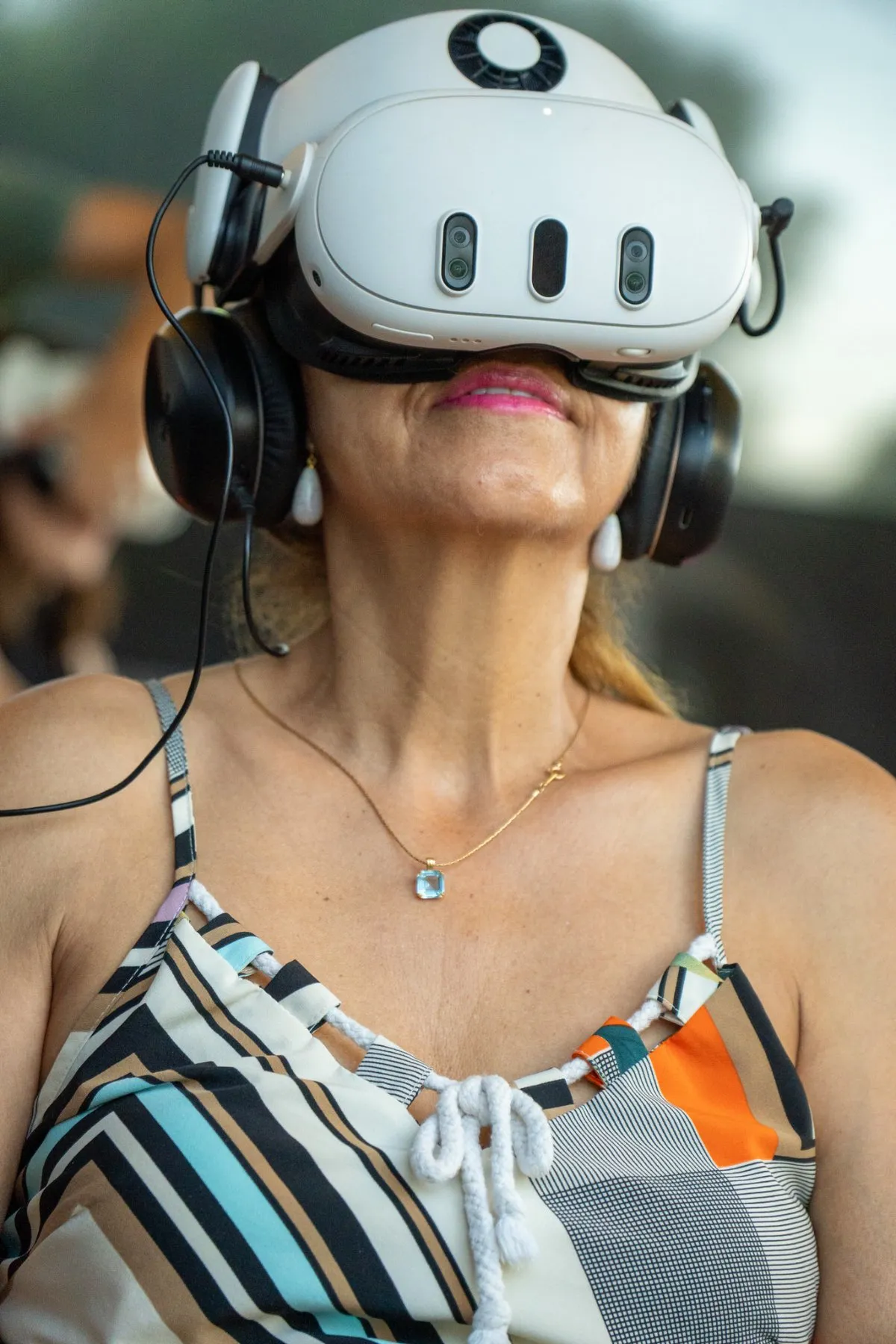
Woman wearing a virtual reality headset and headphones, seen from below

Technology

Made by those who run the shows

Two pieces of software VERS wrote for its own exhibitions, now available to institutions, production companies and training teams.

Circuito Sesc de Artes 2026. Photo: VERS archive

In-house technology

One Play and the whole room enters the work

Anyone who has organised a virtual reality (VR) session knows the scene: one headset at a time, people waiting, each person at a different point in the story. VERS wrote two pieces of software to end it. VERS Embira runs the room. VERS 360 shows the work in each headset.

VERS Embira, VR screening hub

Stays with the team

Tie the session. Launch the story.

VERS Embira is the VR screening hub by VERS: the panel from which the team runs the room. A single Play starts the session on every headset at the same time. Without Embira, each headset has to be started by hand, one at a time.

What the team does, end to end

  1. PreparesThe headsets, before the audience arrives.
  2. OpensThe session, with a single Play.
  3. ShowsThe same work on all of them, at the same instant.
  4. ClosesThe day, with the report ready.
  • Everyone starts together
  • More hygiene: the team no longer puts on each headset to start it
  • Works on a local network, without internet
VERS 360The headset app

Stays in each headset

Hands free. The work all around.

VERS 360 is the app installed on each headset. It is what shows the work, in 360 video, to the person wearing it. On an individual visit, the person chooses the work with their own hands. In a group session, the app receives the Play from Embira.

What the audience does

  1. Puts onThe headset, with the app already open.
  2. ChoosesThe work, with their own hands.
  3. WatchesIn 360 degrees, with captions and audio description.
  4. AdjustsVolume, pause and position, without asking for help.
  • More hygiene: no controllers passing from hand to hand
  • 360 video in mono or 3D
  • In Portuguese and English

Want to find out how a whole room starts the session with a single Play?

Request a demoWhatsApp +55 16 99313-3674 (opens in a new tab)
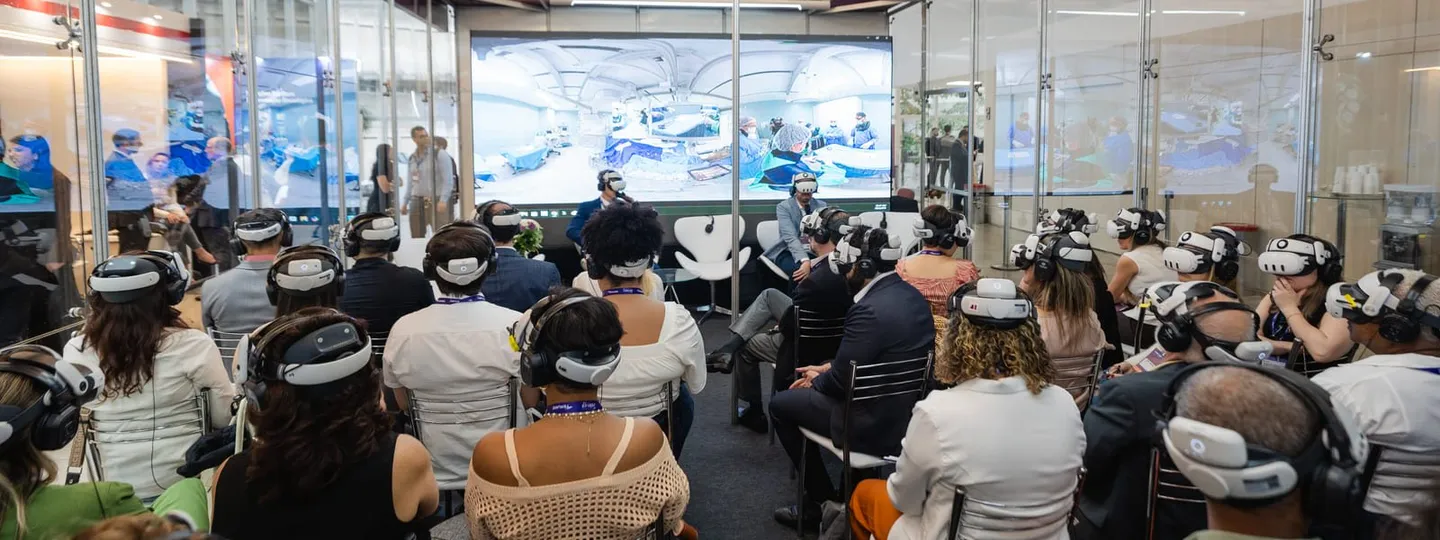
Seated audience, all with virtual reality headsets, in front of a screen showing the same scene in 360 degrees

Live talk with 45 headsets, started by a single Play. SOBRICE 2026 Congress, São Paulo, 1 October.

Photo: VERS archive

Ways to hire

By event, by month or with the VERS team

The same three formats apply to both pieces of software.

Per event

One-off licence

For a show, a fair or a short season. A licence for the duration of the event, with initial setup by VERS.

Monthly

Subscription

For those who show works all the time: museums, cultural centres and training teams with their own headsets.

Managed service

With the VERS team

Software, headset setup and on-site operation by the VERS team, from the first test to the end of the season.

Unsure about the format? We bring both pieces of software to your room, with your headsets.

Request a demoWhatsApp +55 16 99313-3674 (opens in a new tab)

Frequently asked questions

Before the demo

Which headsets are compatible?

VERS 360 is an app for Meta Quest 2, Meta Quest 3S and Meta Quest 3.

Is internet needed during the session?

No. VERS 360 shows the work without internet during the session, and VERS Embira runs on a local network.

Which videos does VERS 360 show?

360 video, in mono or in 3D, with narration in Portuguese and English.

Does VERS run the event or only license the software?

Both: a licence per event, a monthly subscription or a managed service, with the VERS team on site.

For those who host an audience

A demo in your room

Tell us about your room and your audience. If you do not have content yet, we will suggest works.

Request a demo

Email ready

To

To

The button opens your device’s email program with everything filled in. If nothing opens, copy the address, the subject and the message. You can edit the text here first.